Area of A Pentagon Calculator
Calculate the area of any pentagon instantly using side length or apothem measurements.


How Area of A Pentagon Calculator Works
This calculator handles both regular and irregular pentagons depending on what measurements you have. For regular pentagons (all sides equal), you can simply enter the side length and get the area using the mathematical constant 1.72048. For irregular pentagons, you'll need both the perimeter and apothem to calculate the area.
The apothem is the distance from the center of a regular polygon to the middle of any side. It's like the 'radius' of the pentagon, but measured to the side instead of a corner. When you have both the perimeter and apothem, the area calculation becomes straightforward using the formula: Area = 0.5 × perimeter × apothem.
Pentagon area calculations are commonly used in architecture, engineering, and construction projects. You might need this when designing pentagonal structures, calculating materials for five-sided plots of land, or working with pentagonal components in manufacturing.
Area of A Pentagon Calculator Formula Breakdown
Formula
For regular pentagon: Area = 1.72048 × (side length)²
For irregular pentagon: Area = 0.5 × perimeter × apothem
Variables Explained
- Type of PentagonChoose between regular pentagon (all sides equal) or irregular pentagon with known apothem. Regular pentagons are common in geometric designs and architectural features, while irregular pentagons with apothem are used when you have specific measurements from engineering drawings or land surveys.
- Side lengthThe length of one side of a regular pentagon. Since all sides are equal in a regular pentagon, you only need to measure one side. This measurement is typically found on architectural drawings, construction plans, or by direct measurement of the pentagon.
- Pentagon perimeterThe total distance around the pentagon, calculated by adding up all five sides. For irregular pentagons, each side may be different, so you'll need to measure each side individually and sum them up. This is commonly found on property surveys or engineering specifications.
- ApothemThe perpendicular distance from the center of the pentagon to the midpoint of any side. This measurement is typically provided in engineering drawings or can be calculated if you know the pentagon's dimensions. The apothem is essential for calculating areas when dealing with irregular pentagons.
Example Calculation
Given:
- Type of Pentagon: Regular Pentagon
- Side length: 4 units
Calculation:
Area = 1.72048 × (side length)²
Area = 1.72048 × 4²
Area = 1.72048 × 16
Area = 27.53 sq units
Result:
27.53 sq unitsExplanation
This example shows calculating the area of a regular pentagon with 4-unit sides, like a pentagonal garden plot or architectural feature. The mathematical constant 1.72048 comes from the geometric properties of regular pentagons and accounts for the relationship between side length and total area.
Tips for Using Area of A Pentagon Calculator
- 💡For regular pentagons, you only need to measure one side since all sides are equal - this saves time and reduces measurement errors.
- 💡When working with irregular pentagons, double-check your perimeter calculation by measuring each side individually, as unequal sides can significantly affect the final area.
- 💡If you don't have the apothem for an irregular pentagon, consider dividing it into triangles and rectangles for easier calculation using basic area formulas.
Make Your Own Web Calculator in 3 Simple Steps
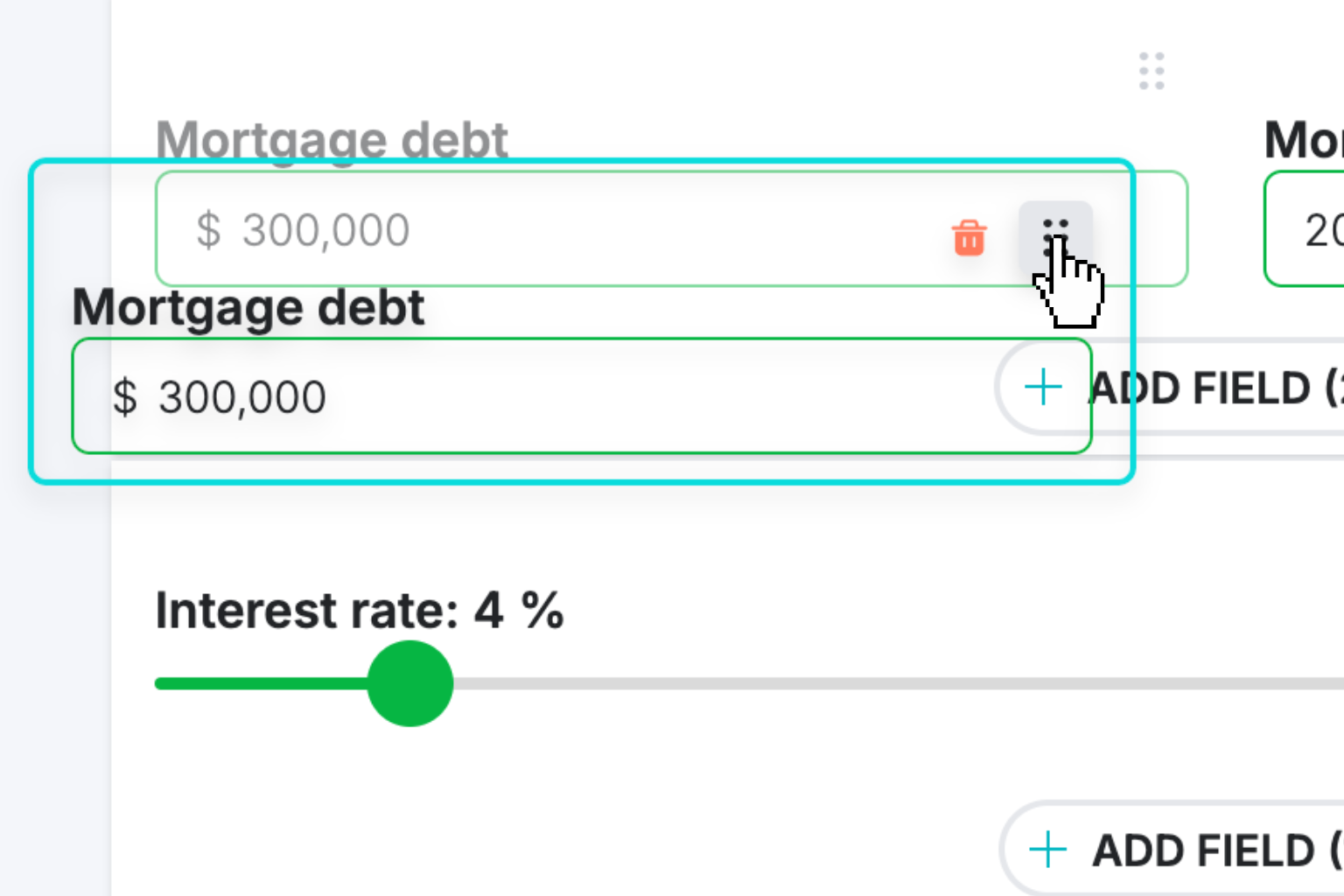
Create Interactive Calculator
Design your interactive calculator in under 5 minutes using our drag-and-drop builder.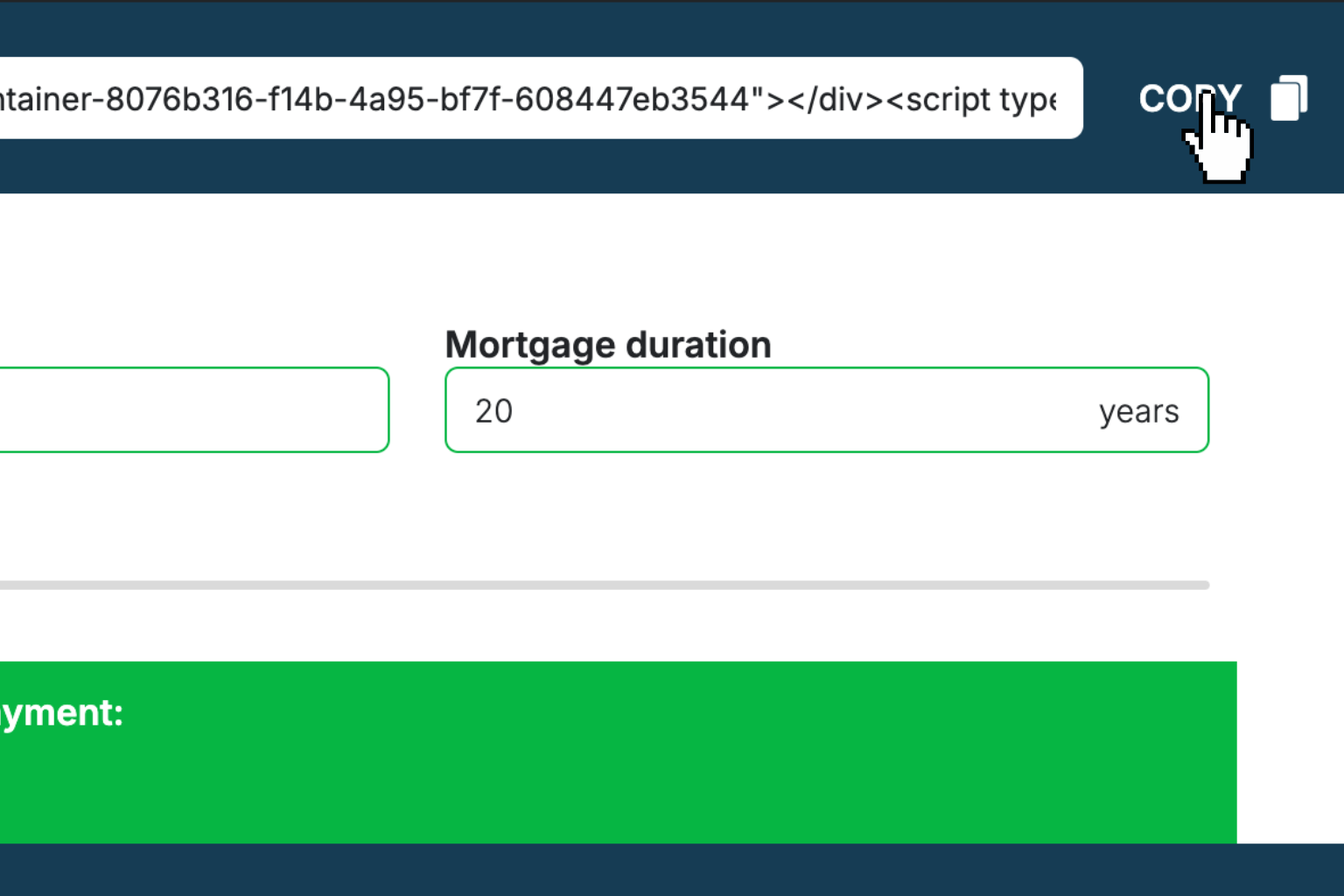
Preview & Generate Embed Code
Review your calculator and copy the embed script when you're satisfied with the results.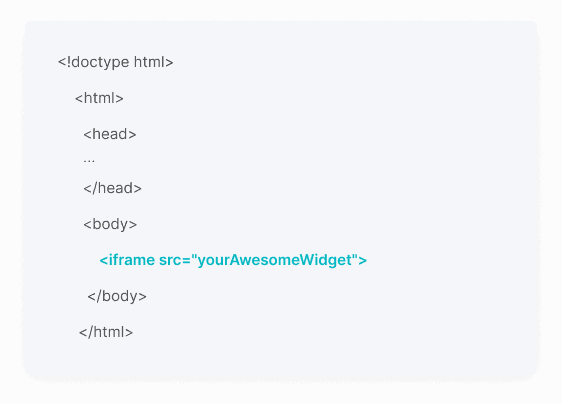
Embed Calculator Into Your Website
Paste the code into your website's HTML. Works on WordPress, Shopify, Wix, and any platform.Works With Any Platform
 EugenCreator of Creative Widgets
“After 10+ years in digital marketing, I’ve built calculators that drove thousands of new leads for clients. I realized one thing: calculators convert. They're killer for CRO and great for SEO. That's why I built Creative Widgets—an easy, no-code calculator builder. ”
It's free. Try it out. You'll like it.