Pond Volume Calculator
Quickly calculate your pond's water volume in gallons or liters based on shape and dimensions.


How Pond Volume Calculator Works
This pond volume calculator determines how much water your pond holds by using its shape, dimensions, and depth. Whether you have a rectangular, circular, or custom-shaped pond, the calculator applies the appropriate geometric formula to give you an accurate volume measurement.
The calculator handles three common pond shapes: rectangular ponds use length × width × depth, circular ponds use the area of a circle (π × radius²) multiplied by depth, and custom shapes let you input the surface area directly. It then converts the cubic volume into practical units like gallons or liters.
Knowing your pond's exact volume is essential for proper fish stocking (typically 5 gallons per inch of fish), chemical treatments, filtration system sizing, and general maintenance. The calculator provides results in both US gallons and metric liters to work with any measurement system.
Pond Volume Calculator Formula Breakdown
Formula
Rectangular pond: Length × Width × Depth = Cubic volume
Circular pond: π × (Diameter ÷ 2)² × Depth = Cubic volume
Custom pond: Surface Area × Depth = Cubic volume
Convert to gallons: Cubic feet × 7.48 = Gallons
Convert to liters: Cubic meters × 1,000 = Liters
Variables Explained
- Pond ShapeThe general outline of your pond - rectangular (including square), circular (round), or custom for irregular shapes. Most backyard ponds are rectangular or circular, while natural or specially designed ponds may have custom shapes.
- LengthThe longest measurement across your rectangular pond. Measure from edge to edge at the water surface level, not including any surrounding decking or borders.
- WidthThe shorter measurement across your rectangular pond, perpendicular to the length. Take this measurement at the widest point of the pond.
- DiameterThe distance across the center of your circular pond at its widest point. Measure from one edge of the water surface directly across to the opposite edge.
- AreaThe surface area of your custom-shaped pond in square feet or square meters. For irregular ponds, you can estimate this by breaking the shape into smaller rectangles and circles, or use online mapping tools for more accuracy.
- DepthThe vertical distance from the water surface to the bottom of the pond. For ponds with varying depths, use the average depth by taking measurements at several points and calculating the mean.
- UnitsYour preferred measurement system - feet for US customary units (results in gallons) or meters for metric units (results in liters). Ensure all your measurements use the same unit system.
Example Calculation
Given:
- Pond Shape: Rectangle
- Length: 100 ft
- Width: 120 ft
- Depth: 5 ft
- Units: ft
Calculation:
Calculate cubic volume: 100 ft × 120 ft × 5 ft = 60,000 cubic feet
Convert to gallons: 60,000 cubic feet × 7.48 gallons/cubic foot = 448,800 gallons
Result:
448,800 gallonsExplanation
This example shows a large residential pond that's 100 feet long, 120 feet wide, and 5 feet deep on average. This size pond could support a substantial fish population and would require a significant filtration system.
Tips for Using Pond Volume Calculator
- 💡For ponds with varying depths, take measurements at 5-10 different spots and use the average depth for more accurate volume calculations.
- 💡When measuring circular ponds, ensure you're measuring the true diameter across the center - measuring at an angle will give you an inaccurate result.
- 💡Custom-shaped ponds can be estimated by dividing them into simpler shapes (rectangles and circles) and adding the volumes together for better accuracy.
Make Your Own Web Calculator in 3 Simple Steps
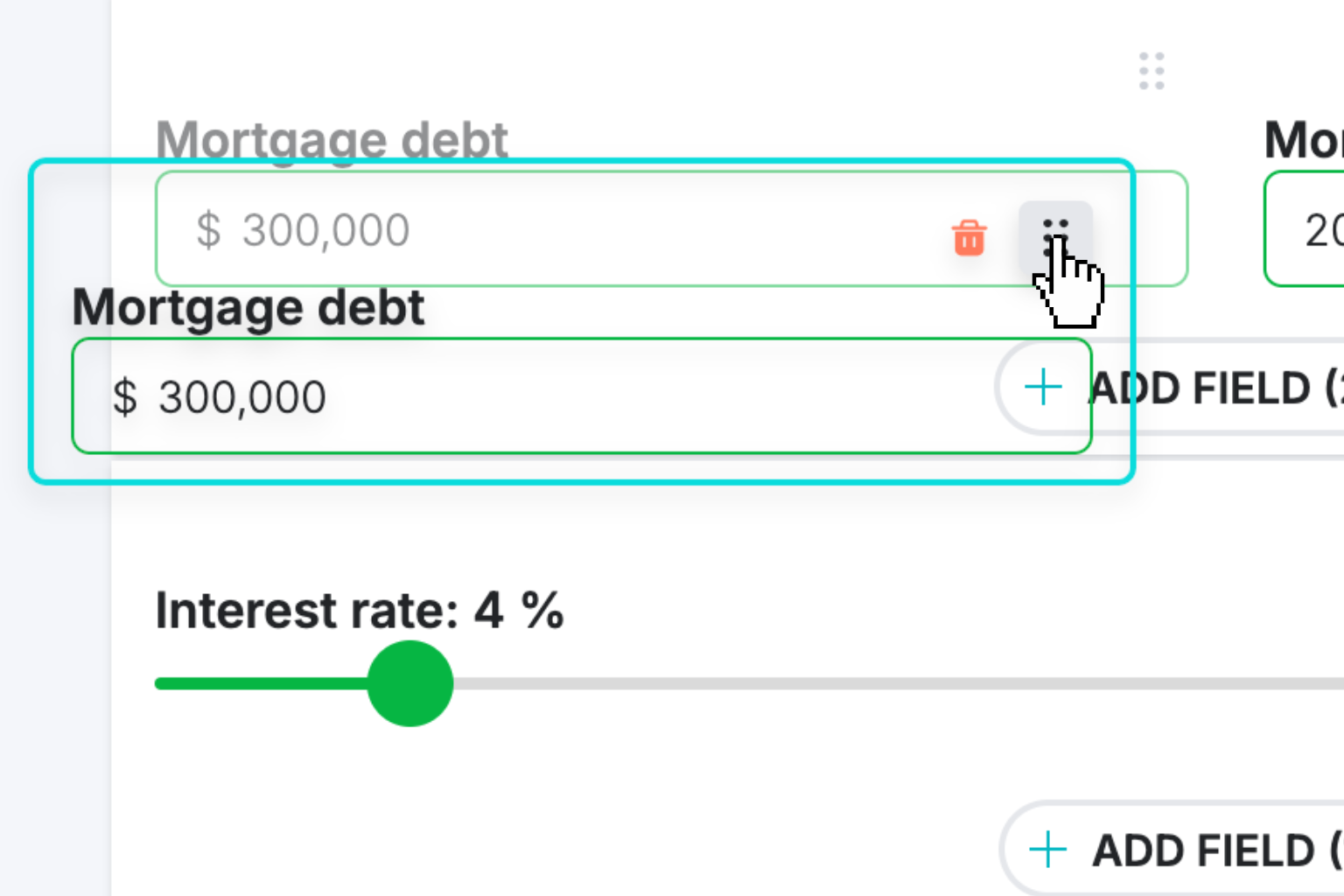
Create Interactive Calculator
Design your interactive calculator in under 5 minutes using our drag-and-drop builder.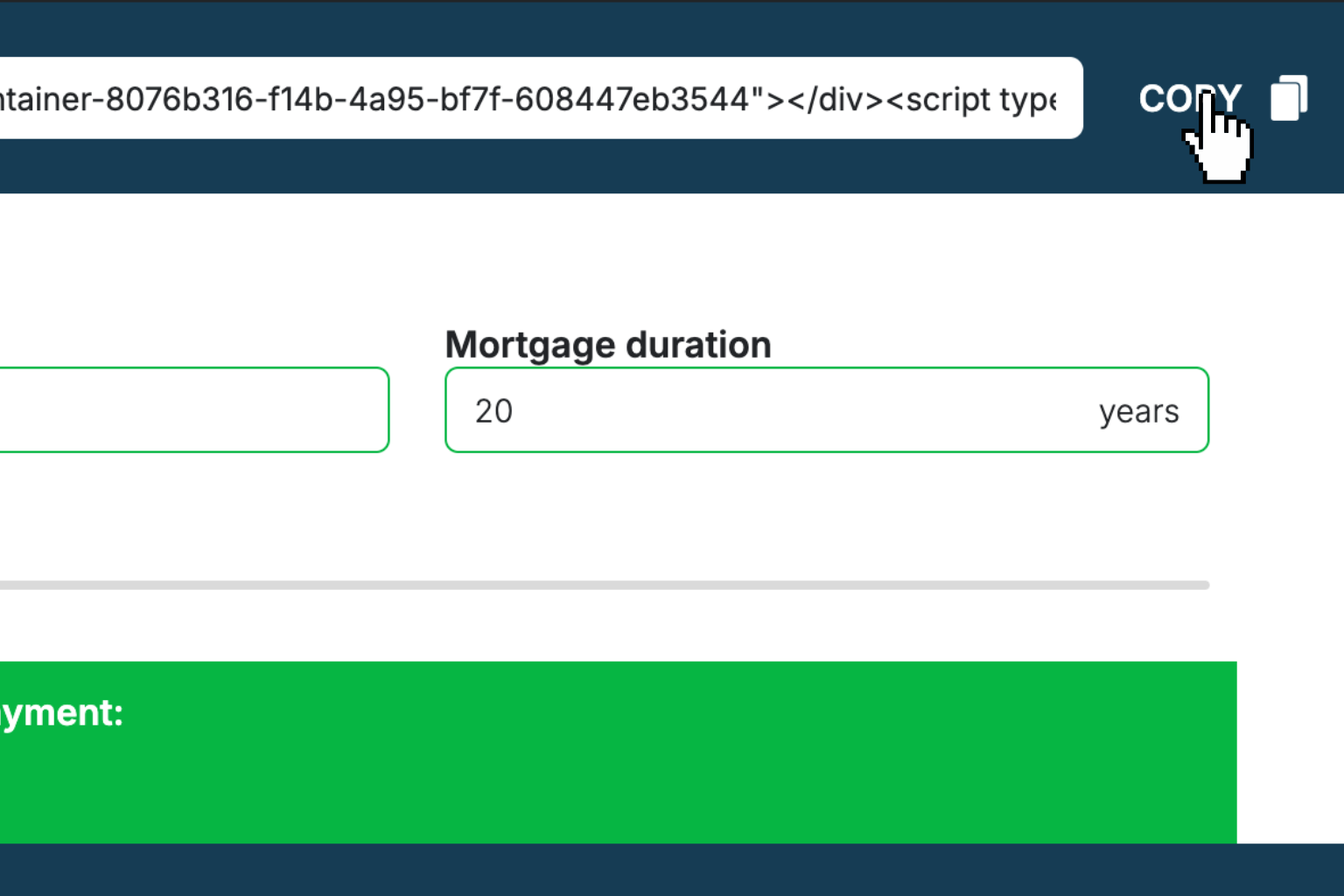
Preview & Generate Embed Code
Review your calculator and copy the embed script when you're satisfied with the results.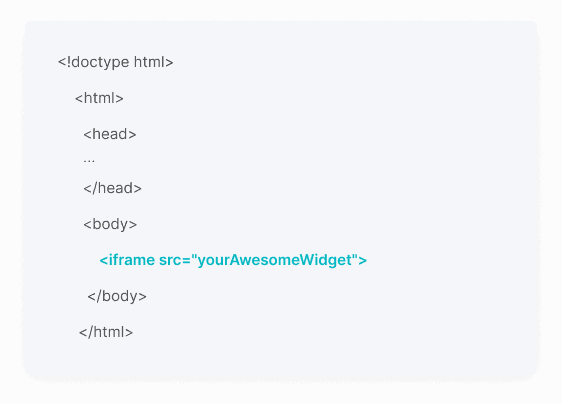
Embed Calculator Into Your Website
Paste the code into your website's HTML. Works on WordPress, Shopify, Wix, and any platform.Works With Any Platform
 EugenCreator of Creative Widgets
“After 10+ years in digital marketing, I’ve built calculators that drove thousands of new leads for clients. I realized one thing: calculators convert. They're killer for CRO and great for SEO. That's why I built Creative Widgets—an easy, no-code calculator builder. ”
It's free. Try it out. You'll like it.