Paver Sand Calculator
Calculate exactly how much paver sand you need for your project – no more guesswork or costly overbuying.


How Paver Sand Calculator Works
This calculator determines the exact amount of sand needed for your paver installation by calculating the volume based on your project's dimensions and sand depth. You input your project area (length and width), the desired sand depth, and the sand density to get precise measurements.
The calculator works for both Imperial and metric measurements, making it versatile for different regions and preferences. It automatically calculates the total area, sand volume, and weight needed for your specific project.
Beyond just telling you how much sand you need, the calculator also estimates the number of sand bags required if you know your bag weight. This helps you plan your shopping trip and budget accurately.
Paver sand serves as the leveling base layer beneath pavers, typically applied 1-3 inches deep. Getting the right amount ensures proper drainage, prevents settling, and creates a stable foundation for your patio, walkway, or driveway.
Paver Sand Calculator Formula Breakdown
Formula
Area = Length × Width
Sand Volume = Area × (Depth ÷ 12) for Imperial units
Sand Volume = Area × (Depth ÷ 100) for metric units
Sand Weight = Sand Volume × Sand Density
Number of Bags = Sand Weight ÷ Bag Weight
Variables Explained
- Calculation UnitsChoose between Imperial (feet, inches, pounds) or Metric (meters, centimeters, kilograms) measurements based on your location and preference.
- LengthThe longest dimension of your paver installation area, measured in feet or meters. Measure the actual area where pavers will be installed.
- WidthThe shorter dimension of your paver installation area, measured in feet or meters. For irregular shapes, use the average width or break the area into rectangular sections.
- DepthThe thickness of the sand layer beneath your pavers, typically 1-3 inches (2.5-7.5 cm). This creates the leveling bed that pavers sit on. Check manufacturer recommendations for your specific paver type.
- Sand DensityThe weight of sand per unit volume, typically 100 lb/ft³ for standard paver sand or 1600 kg/m³ for metric calculations. This depends on sand type and moisture content – check with your supplier for exact values.
- Sand Bag WeightThe weight of individual sand bags you plan to purchase, commonly 50 lbs or 25 kg. This optional field helps calculate how many bags you'll need to buy for your project.
Example Calculation
Given:
- Calculation Units: Imperial
- Length: 10 ft
- Width: 12 ft
- Depth: 3 inch
- Sand Density: 100 lb/ft³
- Sand Bag Weight: 50 lb
Calculation:
Area = 10 ft × 12 ft = 120 sq ft
Sand Volume = 120 sq ft × (3 inch ÷ 12) = 120 × 0.25 = 30 ft³
Sand Weight = 30 ft³ × 100 lb/ft³ = 3,000 lb
Number of Bags = 3,000 lb ÷ 50 lb = 60 bags
Result:
60 bags of sand neededExplanation
This example shows the sand needed for a typical 10×12 foot patio with a 3-inch sand base. At 60 bags, you'd need about 3,000 pounds of sand to properly level and support the pavers.
Tips for Using Paver Sand Calculator
- 💡Always order 10-15% extra sand to account for compaction and settling – sand naturally compresses during installation.
- 💡Use a sand depth of 1-3 inches for most paver projects. Deeper isn't always better as excessive sand can lead to instability.
- 💡Check your local supplier for sand density values, as different types of sand (masonry, concrete, or specialized paver sand) have varying weights per cubic foot.
Make Your Own Web Calculator in 3 Simple Steps
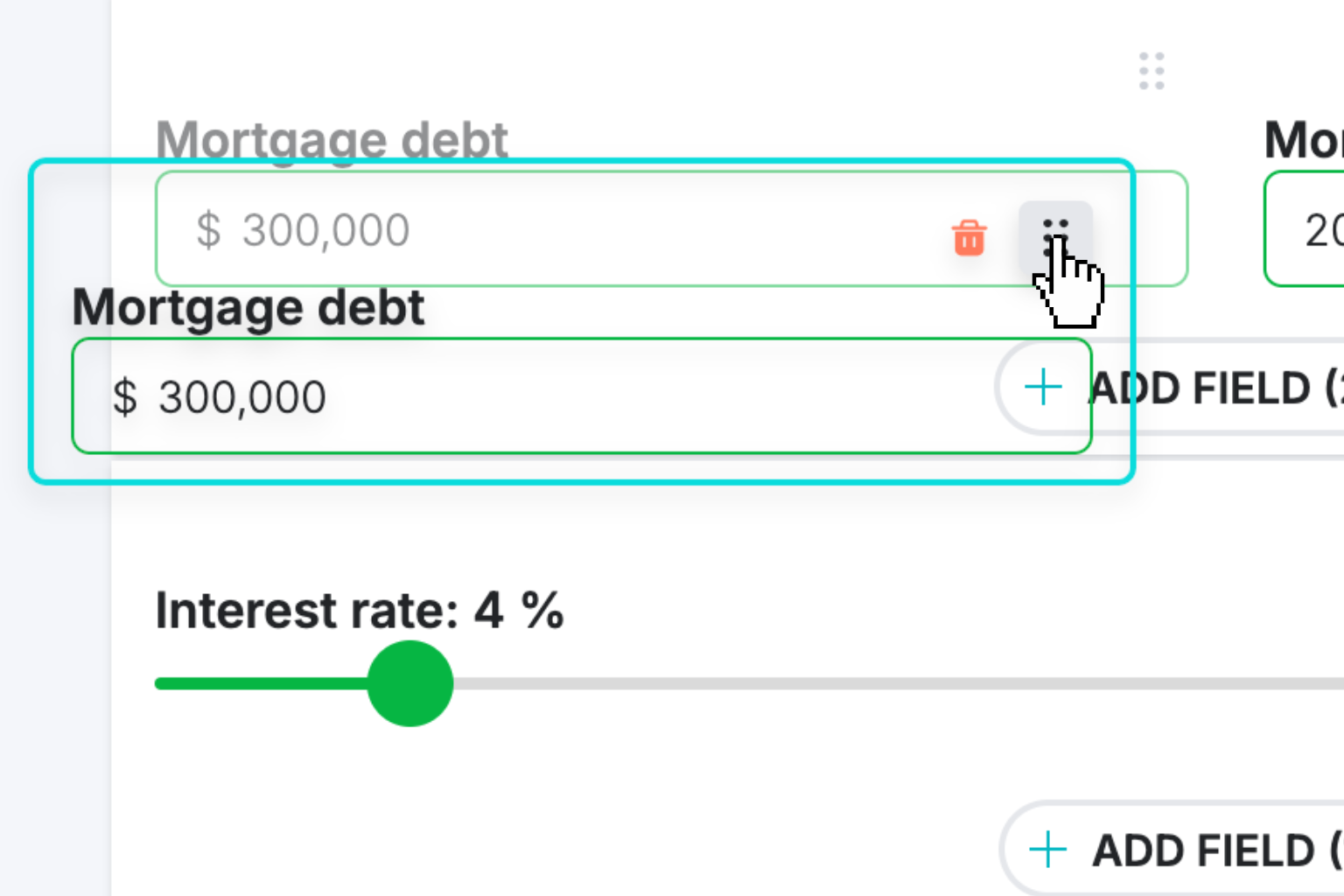
Create Interactive Calculator
Design your interactive calculator in under 5 minutes using our drag-and-drop builder.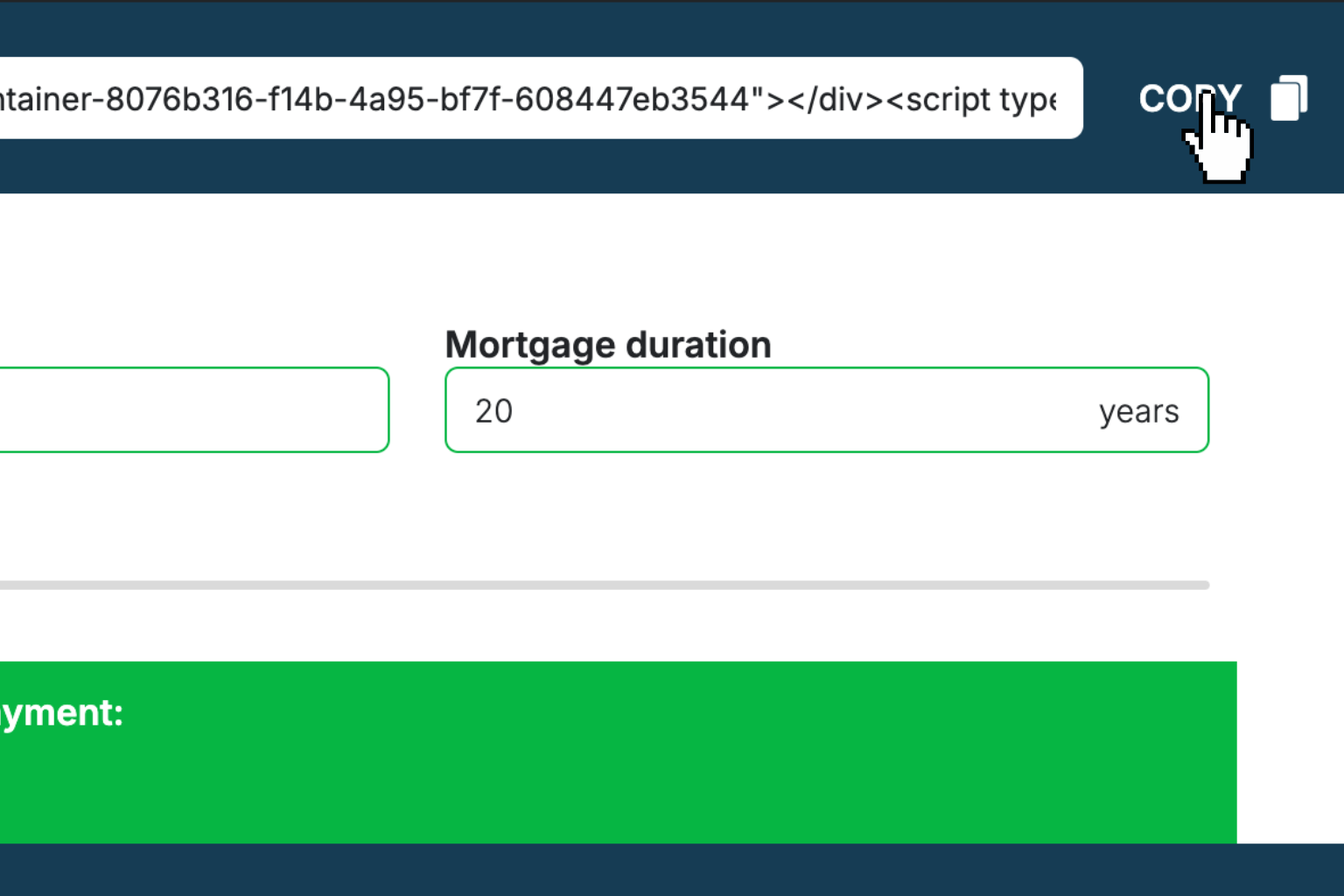
Preview & Generate Embed Code
Review your calculator and copy the embed script when you're satisfied with the results.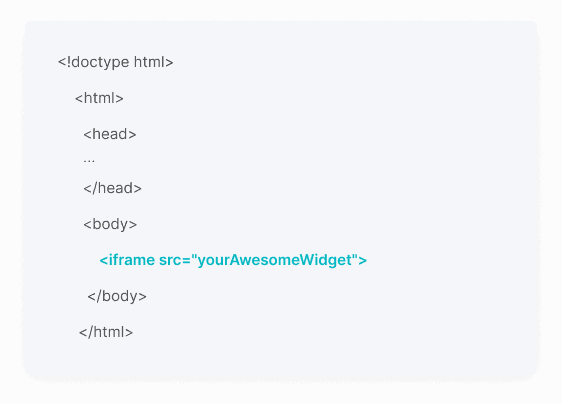
Embed Calculator Into Your Website
Paste the code into your website's HTML. Works on WordPress, Shopify, Wix, and any platform.Works With Any Platform
 EugenCreator of Creative Widgets
“After 10+ years in digital marketing, I’ve built calculators that drove thousands of new leads for clients. I realized one thing: calculators convert. They're killer for CRO and great for SEO. That's why I built Creative Widgets—an easy, no-code calculator builder. ”
It's free. Try it out. You'll like it.