PVIFA Calculator
Calculate how much future annuity payments are worth in today's dollars.


How PVIFA Calculator Works
PVIFA (Present Value Interest Factor of Annuity) helps you determine what a series of equal future payments is worth in today's money. This is essential when comparing investment options or evaluating annuity contracts.
The calculator uses the time value of money principle - money today is worth more than the same amount in the future because it can earn interest. PVIFA gives you a multiplier that, when applied to your regular payment amount, tells you the total present value of all future payments.
You'll use this calculation when deciding between taking a lump sum now versus receiving regular payments over time, evaluating loan terms, or analyzing investment opportunities that provide steady income streams.
PVIFA Calculator Formula Breakdown
Formula
PVIFA = (1 - (1 + Interest rate per period)^-Number of periods) ÷ Interest rate per period
Present value of annuity = Annuity payment × PVIFA
Variables Explained
- Interest rate per periodThe rate of return or discount rate you expect per payment period, expressed as a percentage. For annual payments, use the annual interest rate. For monthly payments, divide the annual rate by 12.
- Number of periodsThe total number of equal payments you'll receive or make. This should match the frequency of your interest rate (if using annual rate, count years; if using monthly rate, count months).
- Annuity investmentThe dollar amount of each individual payment in the annuity series. This must be the same amount for each period to use the PVIFA calculation method.
Example Calculation
Given:
- Interest rate per period: 6%
- Number of periods: 5 periods
- Annuity investment: $20,000
Calculation:
PVIFA = (1 - (1 + 0.06)^-5) ÷ 0.06
PVIFA = (1 - (1.06)^-5) ÷ 0.06
PVIFA = (1 - 0.7473) ÷ 0.06
PVIFA = 0.2527 ÷ 0.06 = 4.212
Present value = $20,000 × 4.212 = $84,240
Result:
$84,240.00Explanation
This example shows someone evaluating whether to accept $20,000 per year for 5 years versus a lump sum today, assuming they could invest at 6% annually. The stream of payments is worth $84,240 in today's dollars.
Tips for Using PVIFA Calculator
- 💡Match your interest rate period to your payment frequency - use annual rates for yearly payments, or divide by 12 for monthly payments.
- 💡Consider using your expected investment return rate as the discount rate to compare annuities against alternative investments.
- 💡PVIFA only works for equal payments - if payment amounts vary, you'll need to calculate the present value of each payment separately.
See How Businesses Use Calculators Like This
Real Estate Calculators
Your visitors leave to find mortgage calculators on Zillow and Bankrate — and get retargeted by your competitors. Embed mortgage, rental yield, and ROI calculators on your own site so leads never have a reason to leave.
Financial Calculators
Your clients are getting loan and retirement advice from Bankrate — not you. Stop emailing Excel files and linking to competitor sites. Embed professional loan, compound interest, and tax calculators on your own brand.
Make Your Own Web Calculator in 3 Simple Steps
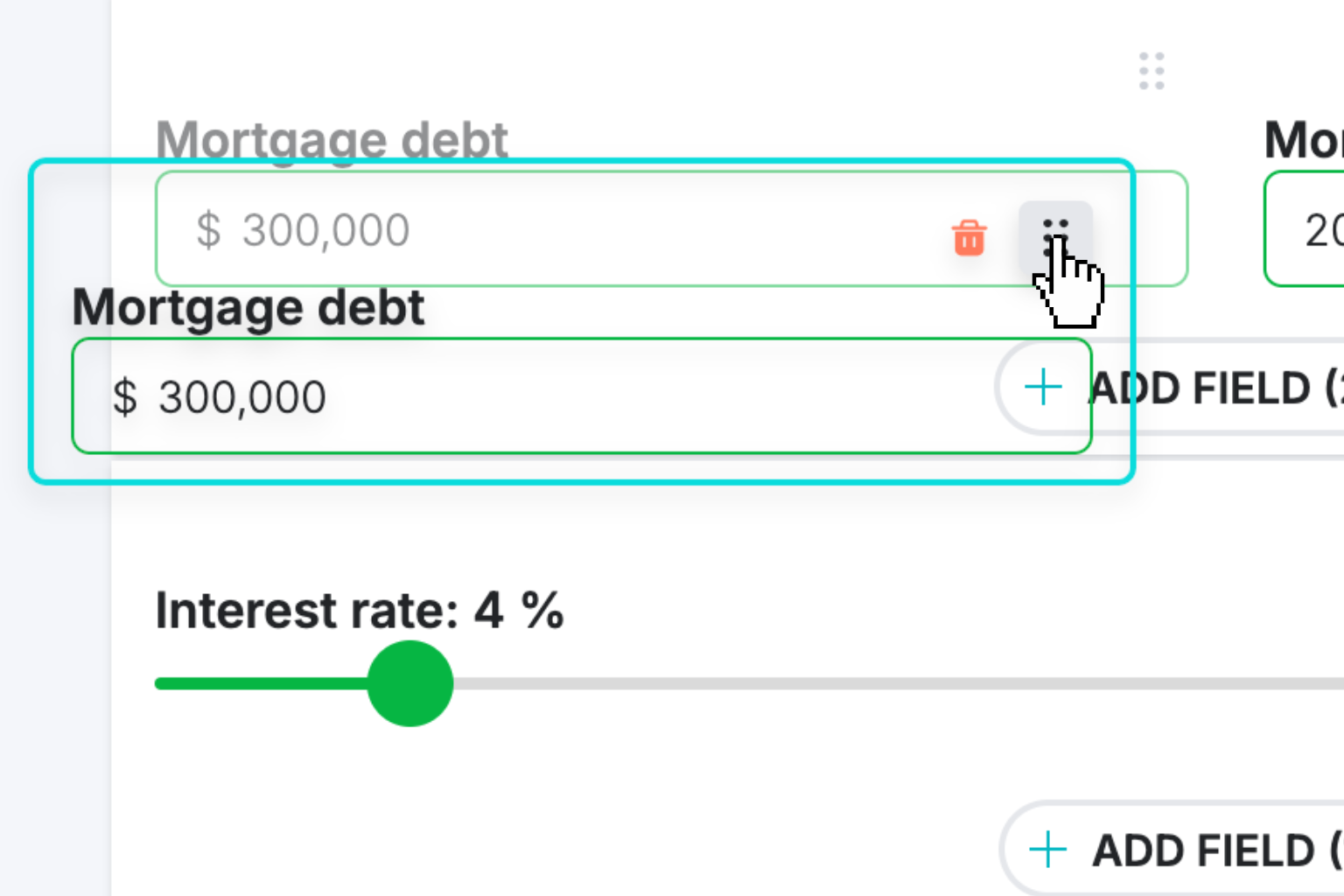
Create Interactive Calculator
Design your interactive calculator in under 5 minutes using our drag-and-drop builder.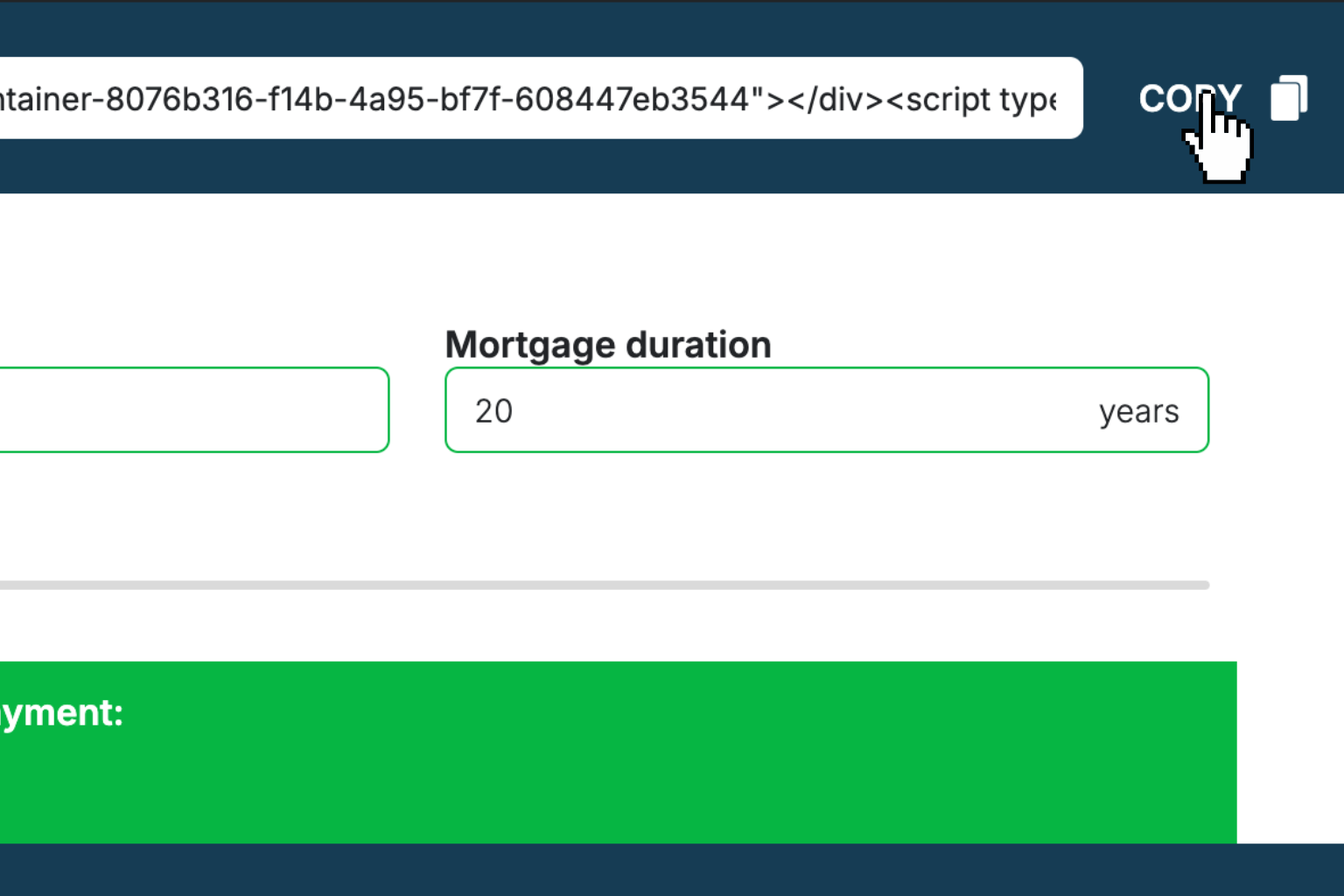
Preview & Generate Embed Code
Review your calculator and copy the embed script when you're satisfied with the results.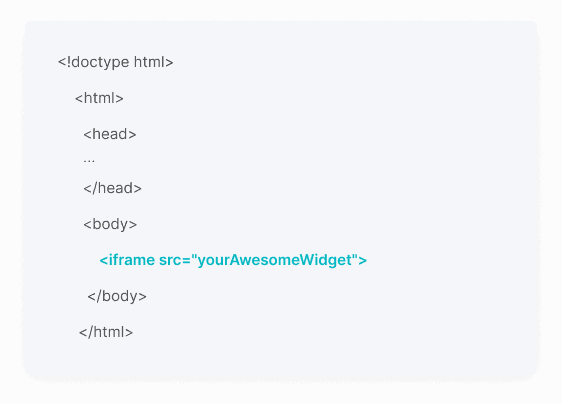
Embed Calculator Into Your Website
Paste the code into your website's HTML. Works on WordPress, Shopify, Wix, and any platform.Works With Any Platform
 EugenCreator of Creative Widgets
“After 10+ years in digital marketing, I’ve built calculators that drove thousands of new leads for clients. I realized one thing: calculators convert. They're killer for CRO and great for SEO. That's why I built Creative Widgets—an easy, no-code calculator builder. ”
It's free. Try it out. You'll like it.