Tip Split Calculator
Split restaurant bills and calculate tips fairly among your group – no awkward math at the table.


How Tip Split Calculator Works
When you're dining with friends or colleagues, figuring out everyone's fair share of the bill (including tip) can get complicated fast. This calculator takes the guesswork out of group dining by automatically dividing the total bill and tip among everyone at the table.
Simply enter the total bill amount, choose your tip percentage, and specify how many people are splitting the cost. The calculator instantly shows you how much each person owes, including their share of the tip. You can even round up to the nearest dollar to avoid dealing with loose change.
This tool is perfect for group dinners, office lunches, birthday celebrations, or any situation where you need to split a restaurant bill fairly. It eliminates the awkward fumbling with phones and mental math that usually happens when the check arrives.
Tip Split Calculator Formula Breakdown
Formula
Total tip = Bill amount × (Tip percentage ÷ 100)
Total bill with tip = Bill amount + Total tip
Tip per person = Total tip ÷ Number of people
Total per person = Total bill with tip ÷ Number of people
Rounded tip per person = Round up (Total tip ÷ Number of people)
Rounded total per person = (Bill amount ÷ Number of people) + Rounded tip per person
Variables Explained
- Total billThe pre-tip amount shown on your restaurant check or receipt. This is the subtotal for food, drinks, and any applicable taxes before adding gratuity.
- Tip amountThe percentage you want to tip, typically 15-20% for standard restaurant service in the US. Use 18-20% for excellent service or 10-15% if service was below expectations.
- Number of peopleThe total number of people sharing the bill, including yourself. Count everyone who will be contributing to the payment, regardless of what they ordered.
- Round upOptional setting that rounds each person's tip contribution up to avoid dealing with small change. When enabled, everyone pays slightly more but transactions are cleaner.
Example Calculation
Given:
- Total bill: $120.00
- Tip amount: 10%
- Number of people: 3 people
Calculation:
Total tip: $120.00 × 10% = $12.00
Total bill with tip: $120.00 + $12.00 = $132.00
Tip per person: $12.00 ÷ 3 = $4.00
Total per person: $132.00 ÷ 3 = $44.00
Result:
$4.00 tip per person, $44.00 total per personExplanation
Three friends splitting a $120 dinner bill with a 10% tip. Each person contributes $4 toward the tip and pays $44 total, making the split quick and fair.
Tips for Using Tip Split Calculator
- 💡Count everyone who's contributing to the payment when entering the number of people, even if someone only had a drink or appetizer.
- 💡Consider using the round-up option for easier cash payments – the difference is usually just a few cents per person but eliminates dealing with small change.
Make Your Own Web Calculator in 3 Simple Steps
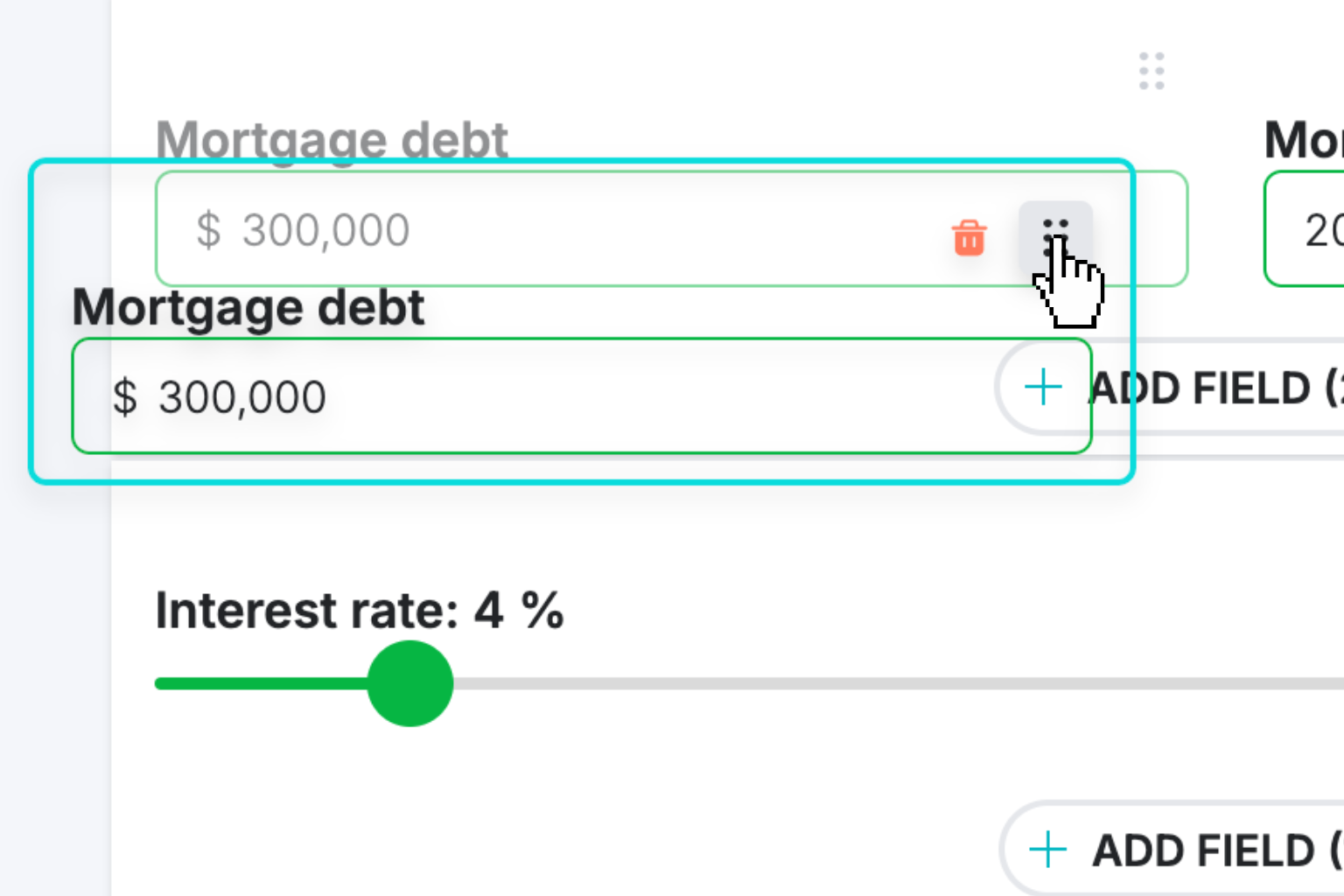
Create Interactive Calculator
Design your interactive calculator in under 5 minutes using our drag-and-drop builder.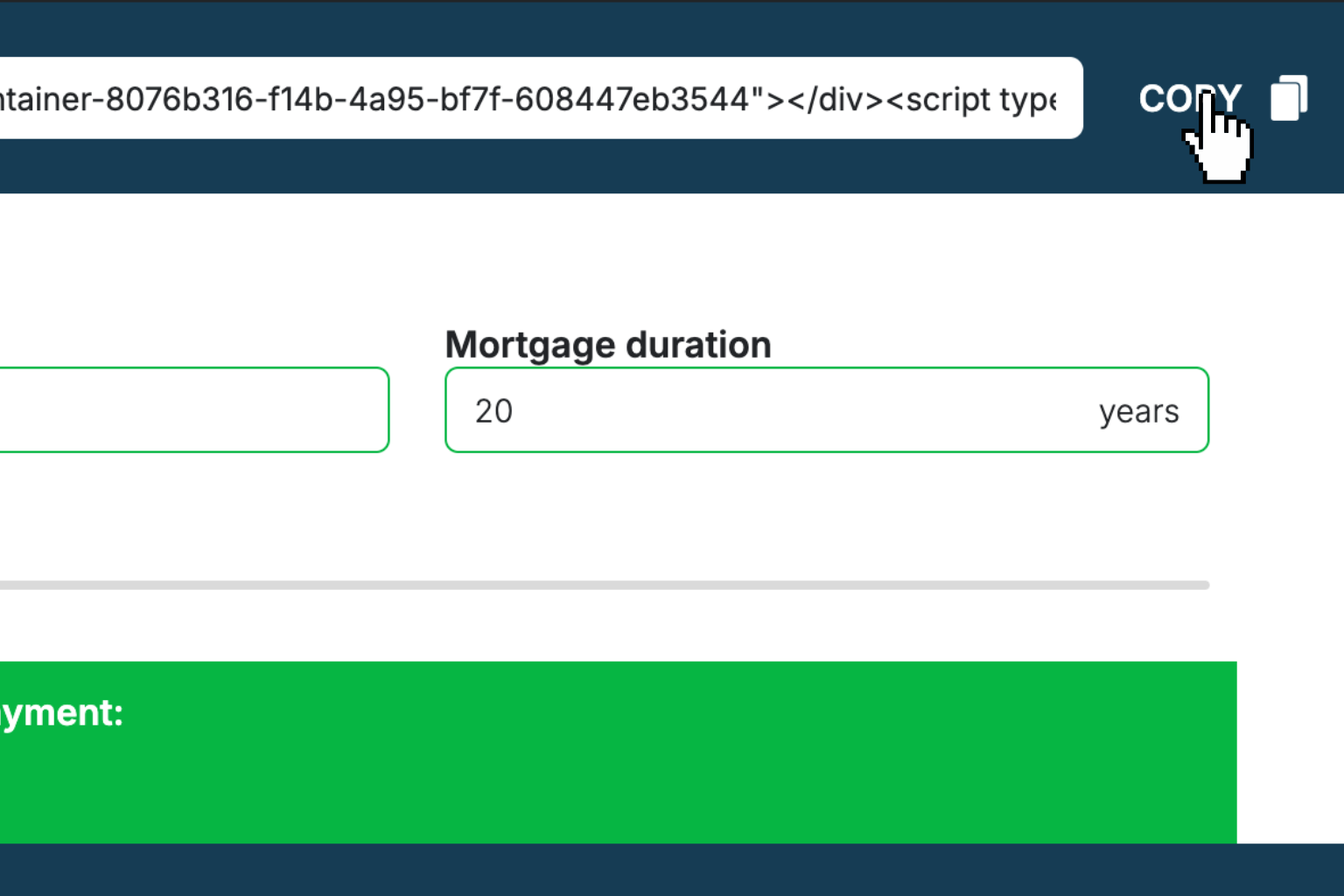
Preview & Generate Embed Code
Review your calculator and copy the embed script when you're satisfied with the results.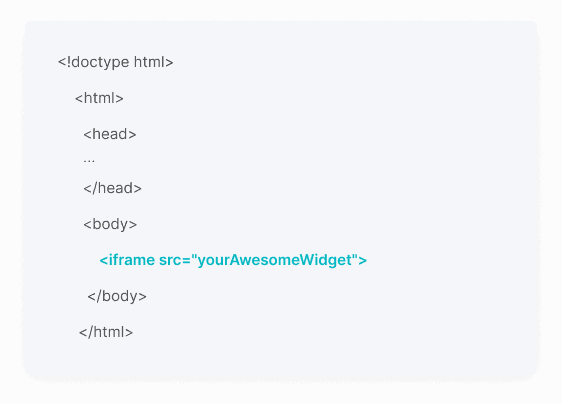
Embed Calculator Into Your Website
Paste the code into your website's HTML. Works on WordPress, Shopify, Wix, and any platform.Works With Any Platform
 EugenCreator of Creative Widgets
“After 10+ years in digital marketing, I’ve built calculators that drove thousands of new leads for clients. I realized one thing: calculators convert. They're killer for CRO and great for SEO. That's why I built Creative Widgets—an easy, no-code calculator builder. ”
It's free. Try it out. You'll like it.