Pulled Pork Calculator
Calculate exactly how much raw pork you need for your BBQ event, accounting for cooking losses and guest appetites.


How Pulled Pork Calculator Works
When planning a pulled pork feast, you need to account for the dramatic weight loss that happens during cooking. Raw pork shoulder typically loses 40-50% of its weight during the long, slow cooking process as fat renders out and moisture evaporates.
This calculator considers your guest count, portion sizes, and meat yield percentage to determine exactly how much raw pork to buy. You can choose between different portion sizes depending on whether you're serving pulled pork as the main dish, in sandwiches, or alongside other proteins.
The tool also adds a 10% buffer to your final calculation, ensuring you have enough food even if guests are extra hungry or your yield is slightly lower than expected. This prevents the embarrassing situation of running out of food at your event.
Different cuts and cooking methods can affect your final yield. Bone-in pork shoulders typically have lower yields due to bone weight, while boneless cuts give you more meat per pound but may cost more initially.
Pulled Pork Calculator Formula Breakdown
Formula
Total cooked pork needed = Number of guests × Portion size per person
Total raw pork needed = Total cooked pork needed ÷ (Meat yield percentage ÷ 100)
Suggested amount with buffer = Total raw pork needed × 1.10
Variables Explained
- Number of GuestsThe total number of people you're planning to feed. Count adults and children, though children typically eat about half the portion of adults.
- Portion Size per PersonAverage serving size of cooked pulled pork per guest. Standard portions are 8 oz for main courses, 4-6 oz for sandwiches, or 3-4 oz when served alongside other proteins. This represents the actual cooked meat each person will consume.
- Meat YieldThe percentage of cooked meat you'll get from raw pork shoulder after cooking. Typical yields range from 50-75%, with 60% being average for most home cooking situations. Higher yields come from careful trimming and shorter cooking times, while lower yields result from longer cooking or more fat trimming.
Example Calculation
Given:
- Number of Guests: 20 guests
- Portion Size per Person: 8 oz
- Meat Yield: 75%
Calculation:
Total cooked pork needed: 20 guests × 8 oz = 160 oz
Total raw pork needed: 160 oz ÷ (75 ÷ 100) = 160 ÷ 0.75 = 213 oz
Suggested amount with buffer: 213 oz × 1.10 = 235 oz
Result:
235 ozExplanation
This example calculates for a backyard BBQ where pulled pork is the main course. With 20 guests expecting generous 8-ounce portions and assuming a good 75% yield from careful cooking, you'd need about 235 ounces (nearly 15 pounds) of raw pork shoulder.
Tips for Using Pulled Pork Calculator
- 💡Buy bone-in pork shoulder (Boston butt) for better flavor and value - the bone adds weight but contributes to taste and helps prevent overcooking.
- 💡Plan your cooking timeline carefully: pork shoulder typically takes 1.5 hours per pound at 225°F, so a 15-pound shoulder needs about 22 hours total including resting time.
- 💡Your yield can vary significantly based on trimming, cooking temperature, and time - conservative estimates prevent running short, while higher yields give you delicious leftovers.
Make Your Own Web Calculator in 3 Simple Steps
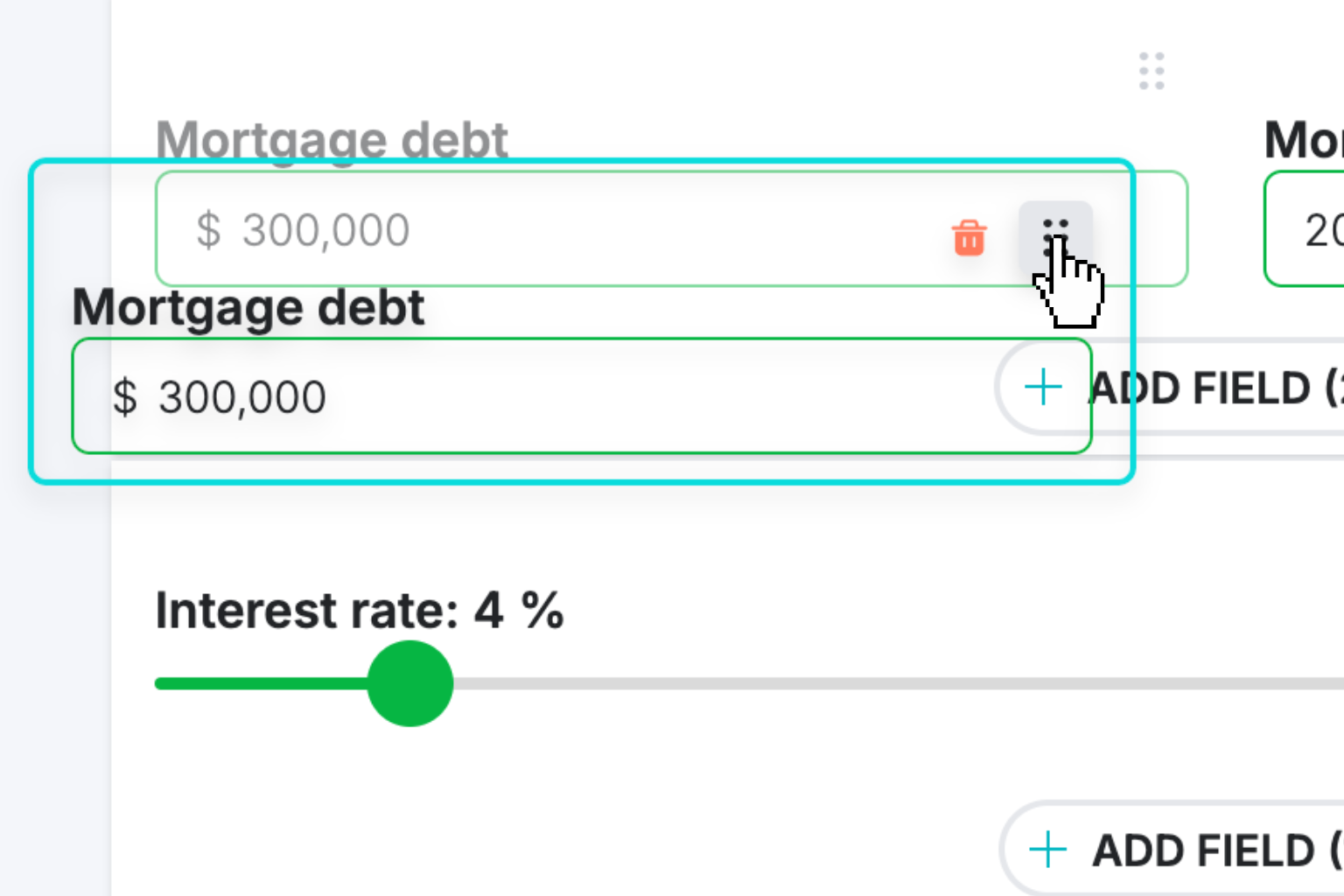
Create Interactive Calculator
Design your interactive calculator in under 5 minutes using our drag-and-drop builder.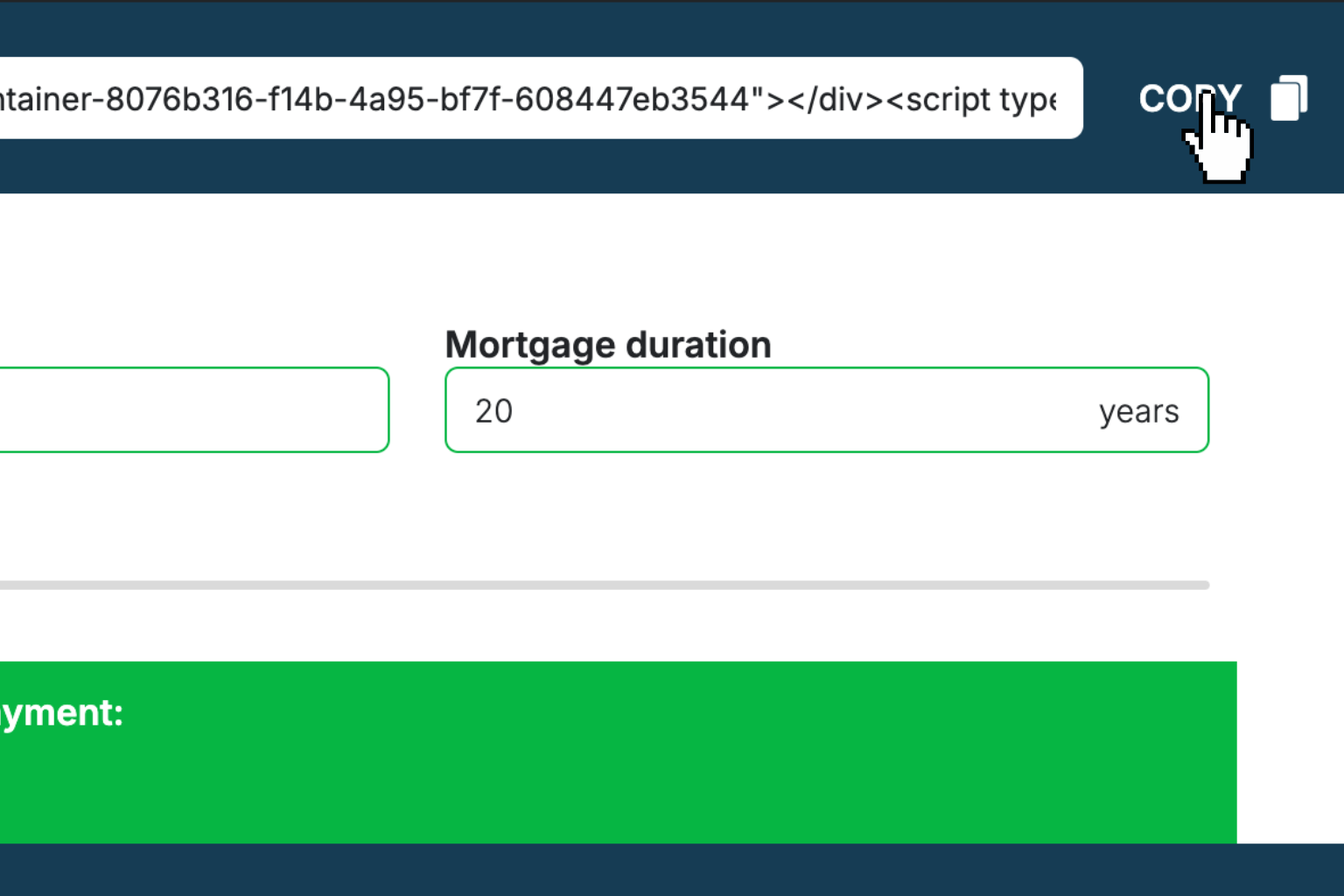
Preview & Generate Embed Code
Review your calculator and copy the embed script when you're satisfied with the results.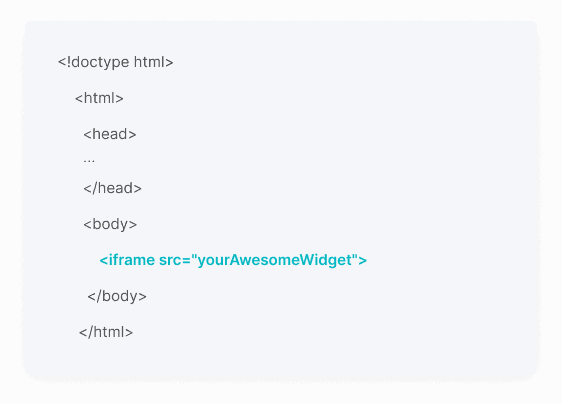
Embed Calculator Into Your Website
Paste the code into your website's HTML. Works on WordPress, Shopify, Wix, and any platform.Works With Any Platform
 EugenCreator of Creative Widgets
“After 10+ years in digital marketing, I’ve built calculators that drove thousands of new leads for clients. I realized one thing: calculators convert. They're killer for CRO and great for SEO. That's why I built Creative Widgets—an easy, no-code calculator builder. ”
It's free. Try it out. You'll like it.