Age Difference Calculator
Calculate the exact age difference between two people down to years, months, and days.


How Age Difference Calculator Works
An age difference calculator helps you find the precise time gap between two people's birth dates. It's perfect for couples curious about their age gap, parents tracking developmental milestones between siblings, or anyone who needs exact age calculations for legal, medical, or personal reasons.
The calculator takes each person's complete birth date (day, month, and year) and computes the difference using precise date arithmetic. It accounts for leap years, varying month lengths, and ensures accurate results regardless of which person is older.
Beyond simple year calculations, it breaks down the age gap into years, months, and days for a complete picture. This detailed breakdown is especially useful for developmental comparisons, relationship analysis, or any situation where precise age differences matter.
Age Difference Calculator Formula Breakdown
Formula
Years difference = Later birth year - Earlier birth year - (adjustment for incomplete year)
Months difference = (Later birth month - Earlier birth month + 12) mod 12
Days difference = Later birth day - Earlier birth day + leap day adjustments
Leap days = (Later birth year - Earlier birth year) ÷ 4
Variables Explained
- Day (Person 1)The day of the month when the first person was born (1-31). You'll find this on their birth certificate, driver's license, or other official identification documents.
- Month (Person 1)The month when the first person was born, selected from a dropdown list. This ensures accurate calculations since months have different numbers of days.
- Year (Person 1)The four-digit year when the first person was born. Using the full year (like 1995, not 95) prevents confusion between centuries and ensures accurate leap year calculations.
- Day (Person 2)The day of the month when the second person was born (1-31). This should match what appears on their official documents.
- Month (Person 2)The month when the second person was born. The calculator automatically handles months with different numbers of days for accurate results.
- Year (Person 2)The four-digit birth year for the second person. The calculator will determine which person is older and compute the difference accordingly.
Example Calculation
Given:
- Day (Person 1): 2
- Month (Person 1): January
- Year (Person 1): 1995
- Day (Person 2): 20
- Month (Person 2): March
- Year (Person 2): 2000
Calculation:
Years difference: 2000 - 1995 = 5 years (base calculation)
Month adjustment: March (3) vs January (1) = no year reduction needed
Days difference: 20 - 2 = 18 days
Months difference: (3 - 1 + 12) mod 12 = 2 months
Leap days between 1995-2000: (2000-1995)/4 = 1.25, rounded down = 1 leap day
Final result: 5 years, 2 months, 18 days (including 1 leap day)
Result:
5 years, 2 months, 18 daysExplanation
This example shows the age difference between someone born on January 2, 1995, and someone born on March 20, 2000. This could represent the age gap between siblings, romantic partners, or friends.
Tips for Using Age Difference Calculator
- 💡Make sure you're using the correct birth dates from official documents like birth certificates or passports, as even small errors can affect the calculation.
- 💡The calculator accounts for leap years automatically, but double-check that February 29th birth dates are entered correctly for people born in leap years.
- 💡Remember that age differences can feel more or less significant depending on life stages - a 5-year gap matters more between ages 15 and 20 than between 35 and 40.
Make Your Own Web Calculator in 3 Simple Steps
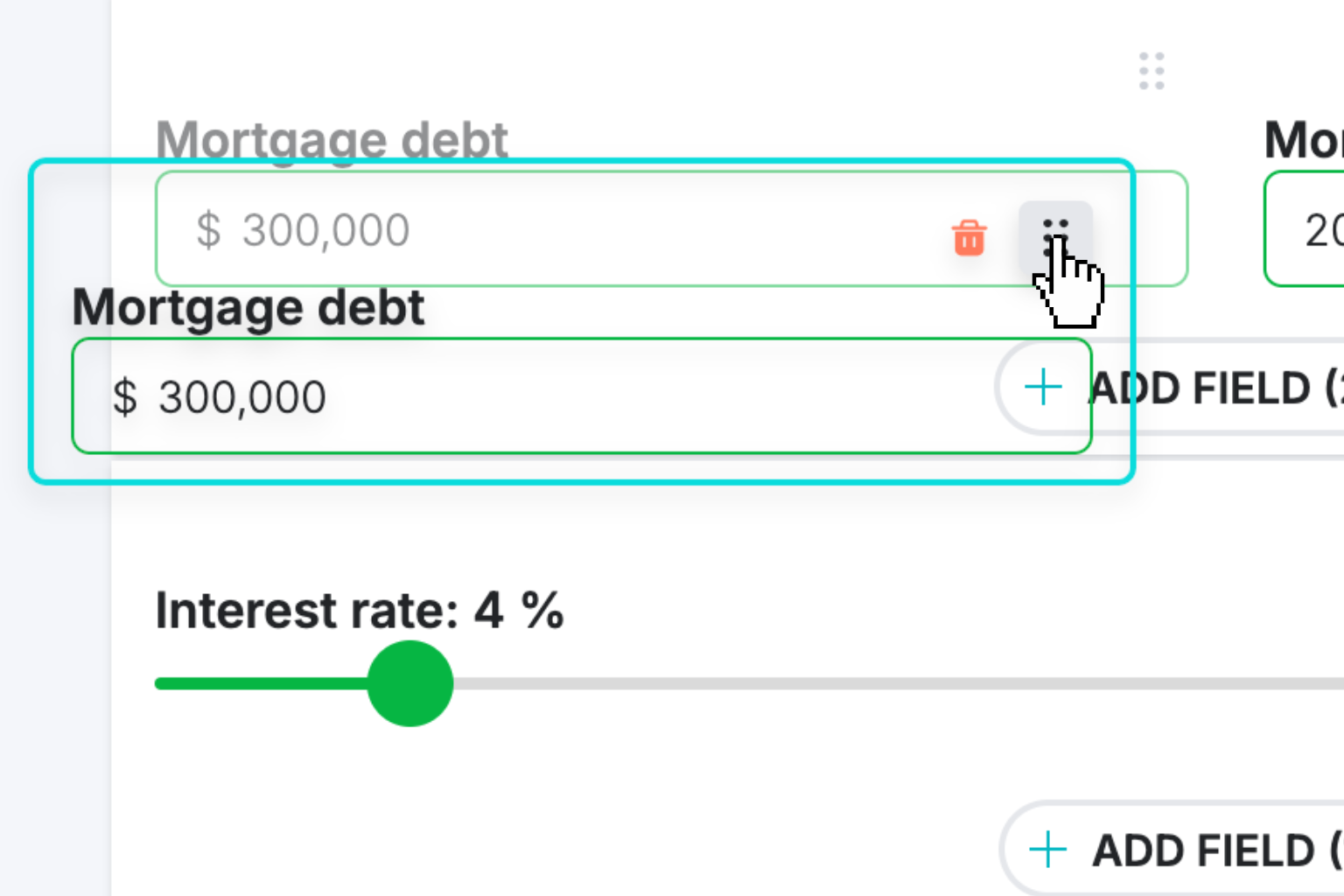
Create Interactive Calculator
Design your interactive calculator in under 5 minutes using our drag-and-drop builder.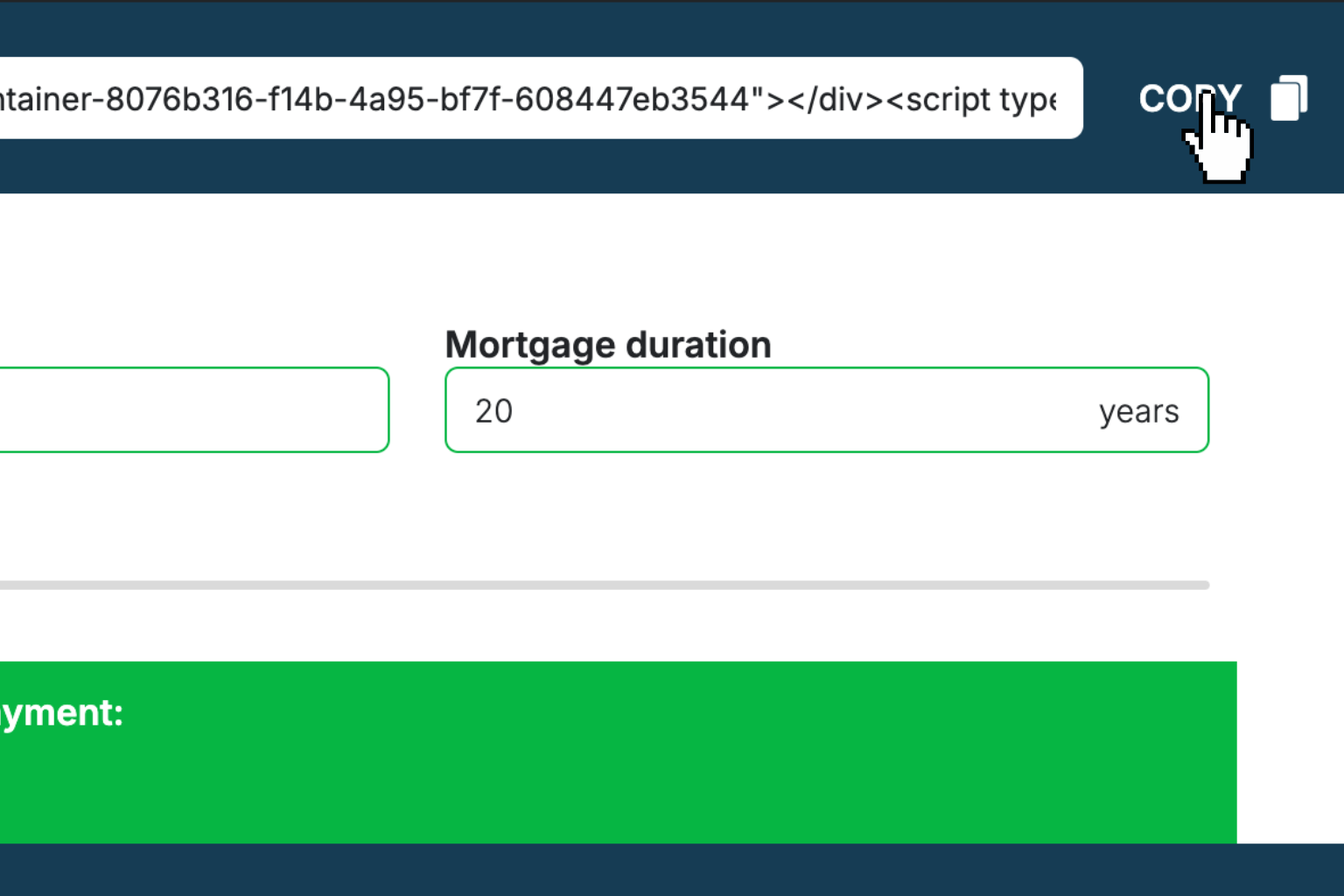
Preview & Generate Embed Code
Review your calculator and copy the embed script when you're satisfied with the results.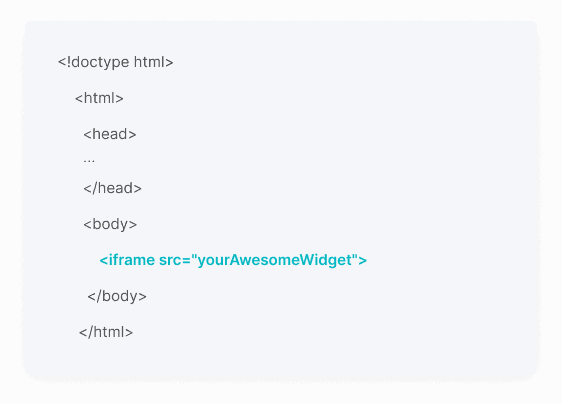
Embed Calculator Into Your Website
Paste the code into your website's HTML. Works on WordPress, Shopify, Wix, and any platform.Works With Any Platform
 EugenCreator of Creative Widgets
“After 10+ years in digital marketing, I’ve built calculators that drove thousands of new leads for clients. I realized one thing: calculators convert. They're killer for CRO and great for SEO. That's why I built Creative Widgets—an easy, no-code calculator builder. ”
It's free. Try it out. You'll like it.