Price Quote Calculator
Get instant pricing quotes by selecting your service, add-ons, and quantity in one simple calculator.


How Price Quote Calculator Works
This calculator helps businesses generate accurate price quotes by combining base service costs with optional extras and quantity adjustments. You simply select your main service tier, choose any additional features you want, and specify how many units you need.
The calculator automatically multiplies your base service price by the quantity, then adds any selected extras to give you an instant total. This eliminates manual calculations and ensures consistent pricing across all quotes.
It's perfect for service businesses that offer tiered pricing with optional add-ons, like consulting firms, creative agencies, contractors, or any business where pricing varies based on service level and extras. The real-time calculation helps both you and your customers understand exactly what they're paying for.
Price Quote Calculator Formula Breakdown
Formula
Total Price = (Base Service Cost × Quantity) + Service ExtrasVariables Explained
- Base Service CostThe price of your primary service offering, typically organized into tiers (basic, standard, premium). This is the foundation price before any add-ons or quantity adjustments.
- Service ExtrasOptional add-on features or upgrades that customers can include with their base service. These are additional charges that enhance or extend the core offering.
- QuantityThe number of service units, products, or time periods the customer wants to purchase. This could represent hours of service, number of units, or project scope.
Example Calculation
Given:
- Base Service Cost: $100 (First service)
- Service Extras: $0 (No extras selected)
- Quantity: 1 unit
Calculation:
Base service: $100 × 1 = $100
Service extras: $0
Total price: $100 + $0 = $100.00
Result:
$100.00Explanation
A customer selecting the basic service tier with no additional extras for a single unit would receive a quote of $100. This represents a straightforward purchase with no customizations or add-ons.
Tips for Using Price Quote Calculator
- 💡Include validity periods in your quotes since service costs and availability can change over time, especially for complex projects or during busy seasons.
- 💡Clearly define what's included in each service tier and what constitutes an 'extra' to avoid misunderstandings and scope creep later.
- 💡Consider offering package deals when customers select multiple extras, as bundling can increase your average order value while providing customer savings.
See How Businesses Use Calculators Like This
Order Forms
Customers want a price now, not a consultation call. Every reply-all is another chance for them to ghost you. Interactive order forms with instant pricing and Stripe payments turn browsers into buyers on the spot.
Pricing Calculators
Half of B2B buyers eliminate vendors who hide pricing. Your sales reps waste hours quoting in spreadsheets. Interactive pricing calculators let prospects configure, compare, and self-qualify — 24/7.
Marketing Calculators
Your ebooks get downloaded and never opened. Your blog gets traffic but zero leads. ROI, ROAS, and ad spend calculators give visitors personalized answers — and give your sales team their budget, goals, and contact info.
ROI Calculators
Your champion loves the product but the CFO kills the deal because there's no business case. ROI and TCO calculators let prospects prove the math with their own numbers — and hand your sales team a signed business case.
Make Your Own Web Calculator in 3 Simple Steps
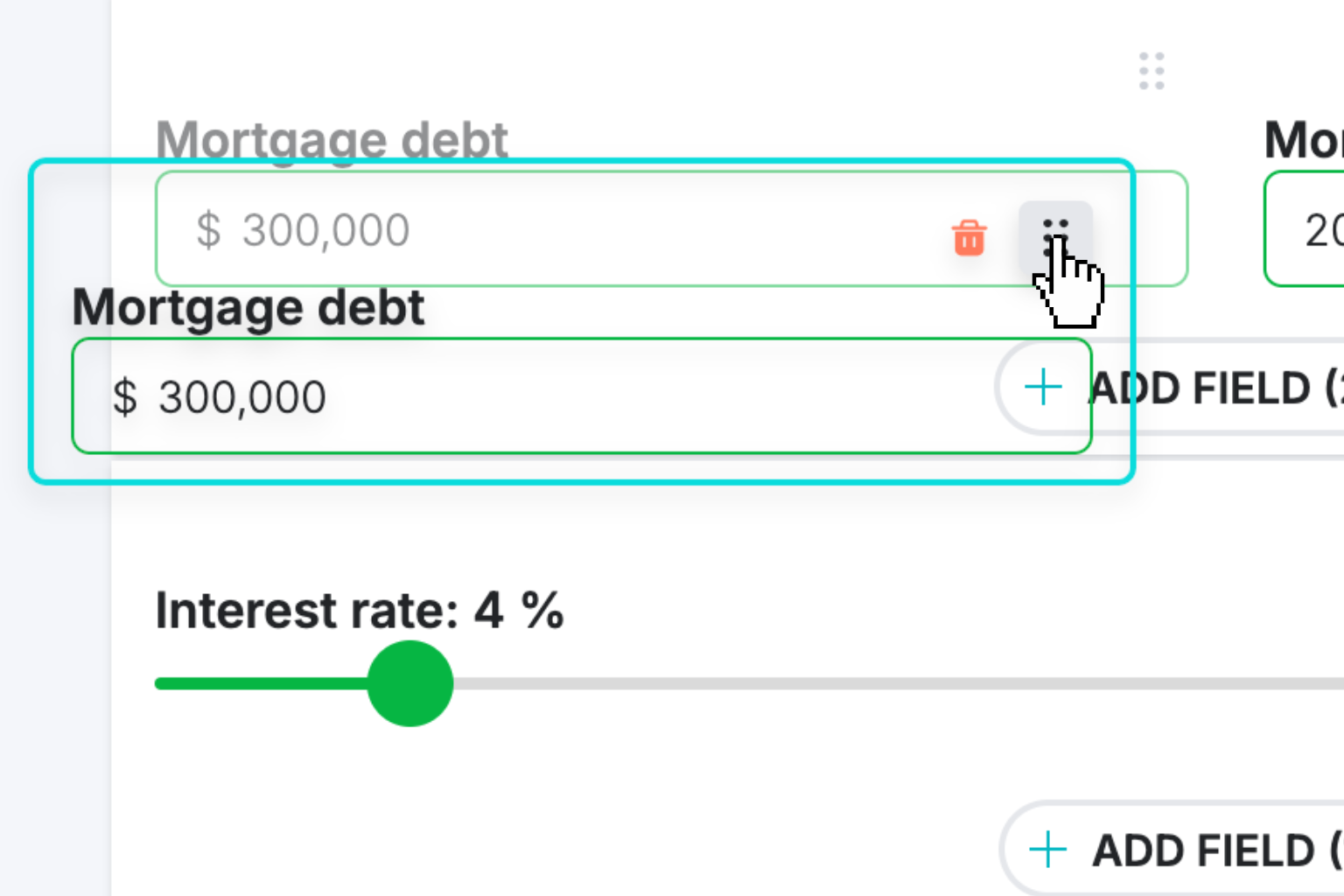
Create Interactive Calculator
Design your interactive calculator in under 5 minutes using our drag-and-drop builder.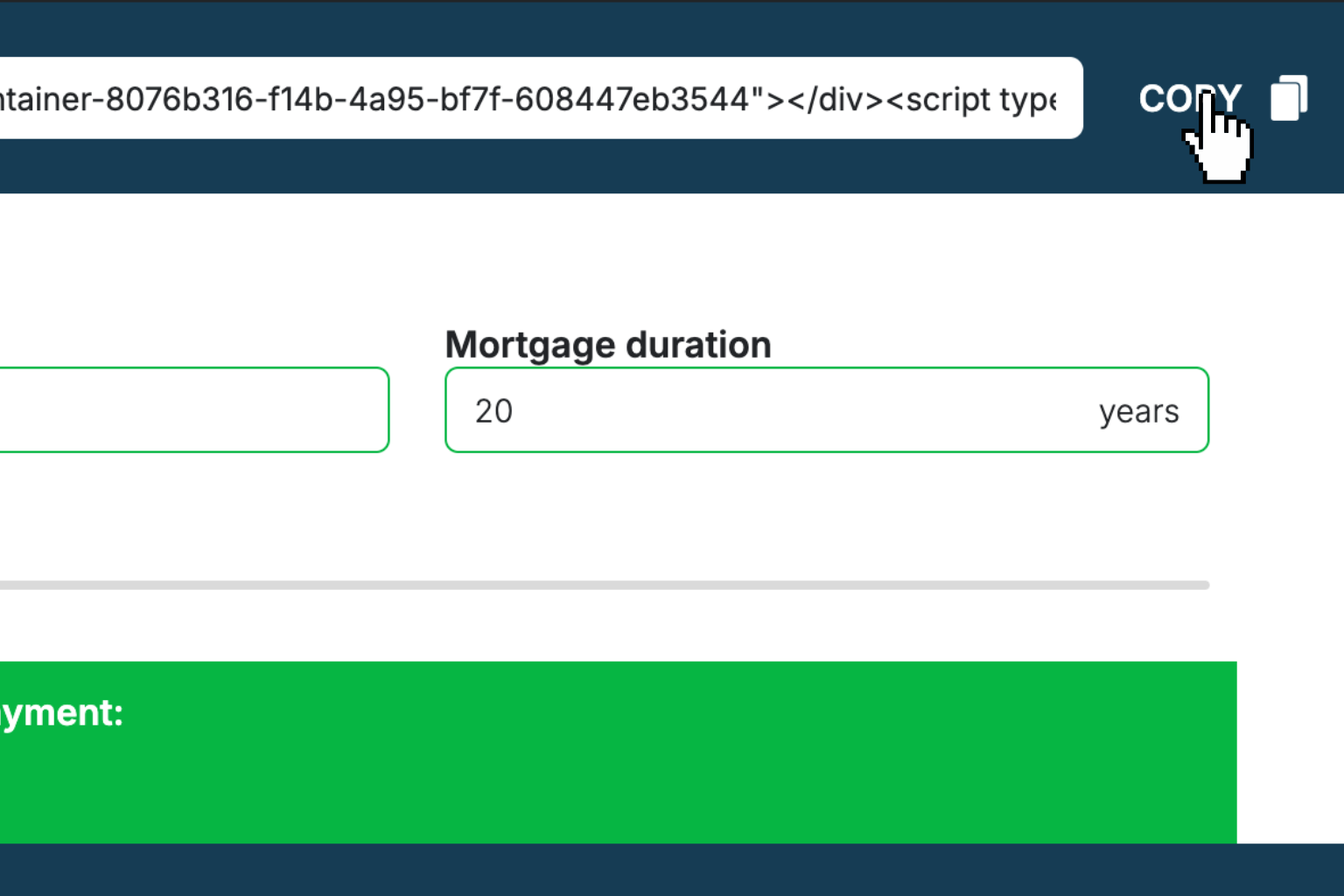
Preview & Generate Embed Code
Review your calculator and copy the embed script when you're satisfied with the results.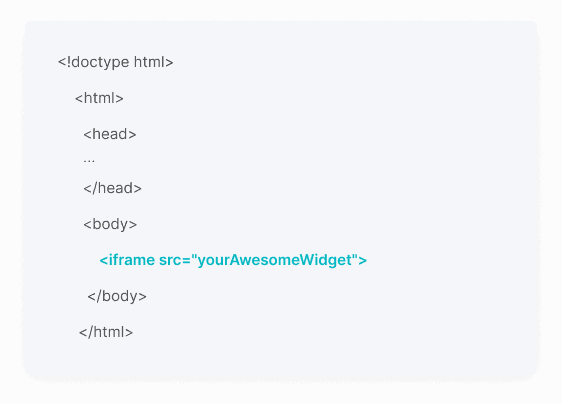
Embed Calculator Into Your Website
Paste the code into your website's HTML. Works on WordPress, Shopify, Wix, and any platform.Works With Any Platform
 EugenCreator of Creative Widgets
“After 10+ years in digital marketing, I’ve built calculators that drove thousands of new leads for clients. I realized one thing: calculators convert. They're killer for CRO and great for SEO. That's why I built Creative Widgets—an easy, no-code calculator builder. ”
It's free. Try it out. You'll like it.