Churn Rate Calculator
Calculate your customer churn rate in seconds to see how many customers you're losing each period.


How Churn Rate Calculator Works
Customer churn rate measures the percentage of customers who stop using your service during a specific time period. It's one of the most important metrics for subscription businesses because it directly impacts your revenue and growth potential.
The calculator works by comparing your starting customer base with your ending customer base, factoring in any new customers you acquired during the period. This gives you a clear picture of how many existing customers you lost.
You can calculate churn rate using two different methods: either by providing your ending customer count and new acquisitions, or by directly entering your known churn rate percentage. Both methods help you understand customer retention and identify potential issues with your product or service.
The calculator also estimates customer lifetime—how long the average customer stays with your business. This metric helps you understand the long-term value of your customer relationships and plan for sustainable growth.
Churn Rate Calculator Formula Breakdown
Formula
Customer Churn Rate (%) = ((Customers at Start + New Customers - Customers at End) ÷ Customers at Start) × 100
Churned Customers = Customers at Start + New Customers - Customers at End
Customer Lifetime = 1 ÷ (Churn Rate ÷ 100) periods
Variables Explained
- Customers at StartThe total number of customers you had at the beginning of the measurement period. This is your baseline customer count before any new acquisitions or losses during the period.
- Customers at EndThe total number of customers you had at the end of the measurement period. This includes both existing customers who stayed and new customers acquired during the period.
- New Customers AcquiredThe number of new customers you gained during the measurement period. This helps separate growth from retention by showing how many customers you added versus how many existing customers you lost.
- Churn RateThe percentage of customers who cancelled or stopped using your service during the measurement period. This is used when you know your churn rate and want to calculate the actual number of churned customers.
Example Calculation
Given:
- Customers at Start: 1,000 customers
- Customers at End: 1,100 customers
- New Customers Acquired: 150 customers
Calculation:
Total customers without churn: 1,000 + 150 = 1,150 customers
Customers lost (churned): 1,150 - 1,100 = 50 customers
Churn rate: (50 ÷ 1,000) × 100 = 5.00%
Customer lifetime: 1 ÷ (5.00 ÷ 100) = 20 periods
Result:
5.00% churn rate with 50 churned customersExplanation
This example shows a healthy growing business that started with 1,000 customers, gained 150 new customers, but lost 50 existing customers during the period. The 5% churn rate is considered good for most industries, and the 20-period customer lifetime indicates strong customer loyalty.
Tips for Using Churn Rate Calculator
- 💡Track churn by customer segments (new vs. existing, high-value vs. low-value) to identify specific retention issues rather than just looking at overall averages.
- 💡Measure churn consistently over the same time periods (monthly or quarterly) and distinguish between voluntary churn (customers choosing to leave) and involuntary churn (payment failures).
- 💡Focus on early warning signs like declining usage, support tickets, or engagement scores, as these often predict churn 30-60 days before customers actually cancel.
See How Businesses Use Calculators Like This
Order Forms
Customers want a price now, not a consultation call. Every reply-all is another chance for them to ghost you. Interactive order forms with instant pricing and Stripe payments turn browsers into buyers on the spot.
Pricing Calculators
Half of B2B buyers eliminate vendors who hide pricing. Your sales reps waste hours quoting in spreadsheets. Interactive pricing calculators let prospects configure, compare, and self-qualify — 24/7.
Marketing Calculators
Your ebooks get downloaded and never opened. Your blog gets traffic but zero leads. ROI, ROAS, and ad spend calculators give visitors personalized answers — and give your sales team their budget, goals, and contact info.
ROI Calculators
Your champion loves the product but the CFO kills the deal because there's no business case. ROI and TCO calculators let prospects prove the math with their own numbers — and hand your sales team a signed business case.
Make Your Own Web Calculator in 3 Simple Steps
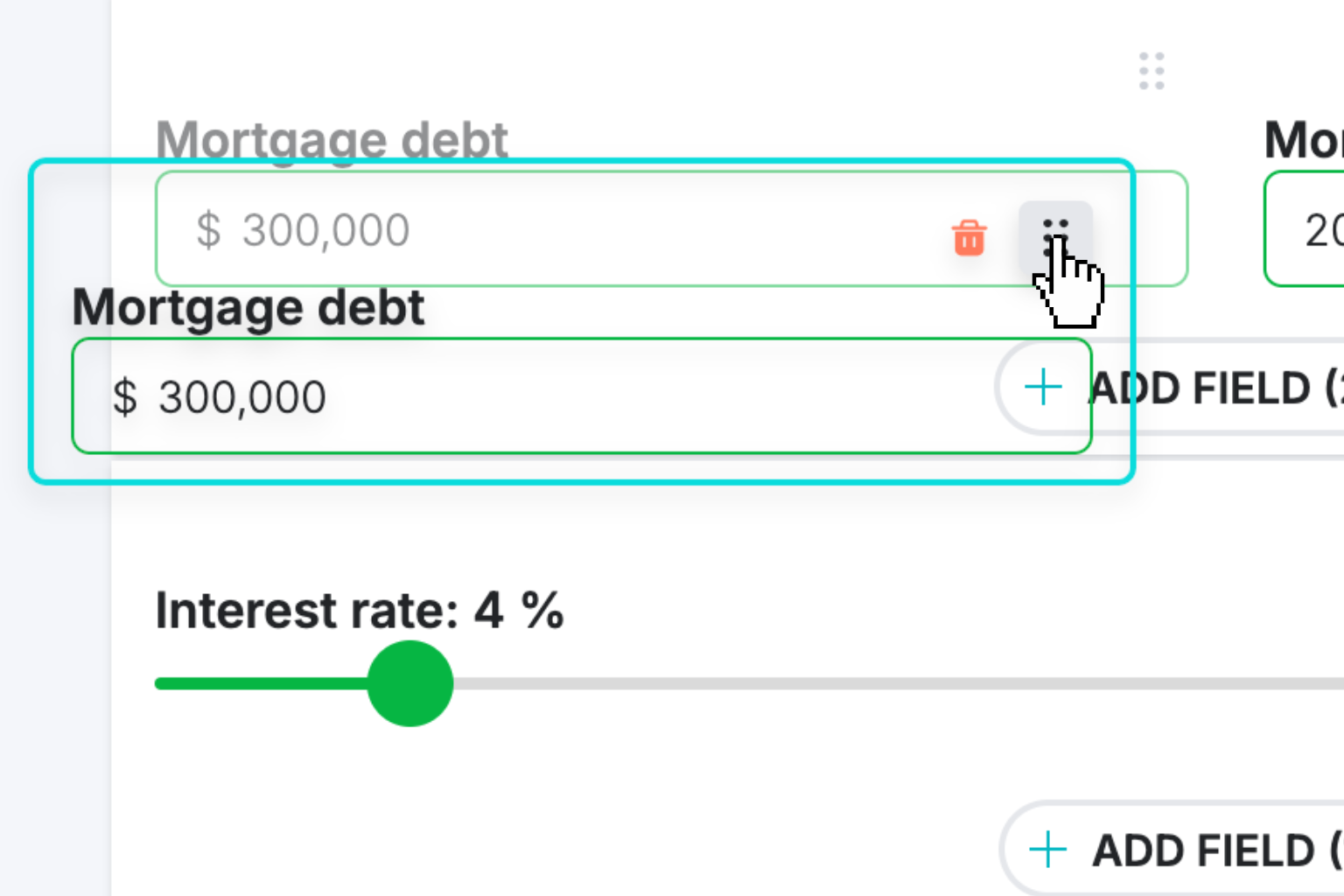
Create Interactive Calculator
Design your interactive calculator in under 5 minutes using our drag-and-drop builder.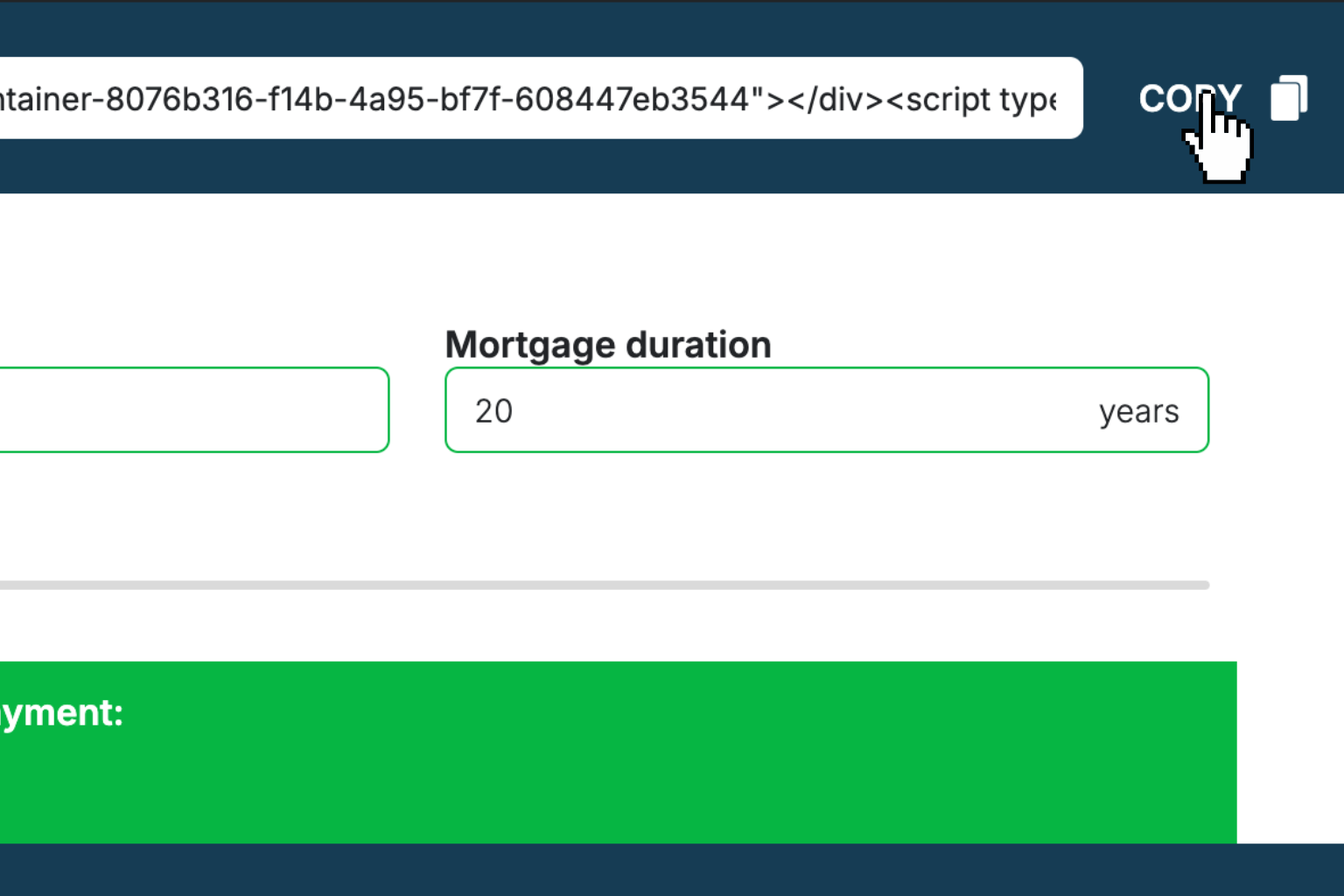
Preview & Generate Embed Code
Review your calculator and copy the embed script when you're satisfied with the results.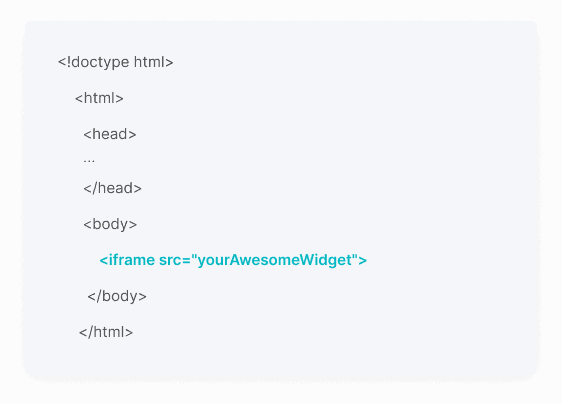
Embed Calculator Into Your Website
Paste the code into your website's HTML. Works on WordPress, Shopify, Wix, and any platform.Works With Any Platform
 EugenCreator of Creative Widgets
“After 10+ years in digital marketing, I’ve built calculators that drove thousands of new leads for clients. I realized one thing: calculators convert. They're killer for CRO and great for SEO. That's why I built Creative Widgets—an easy, no-code calculator builder. ”
It's free. Try it out. You'll like it.